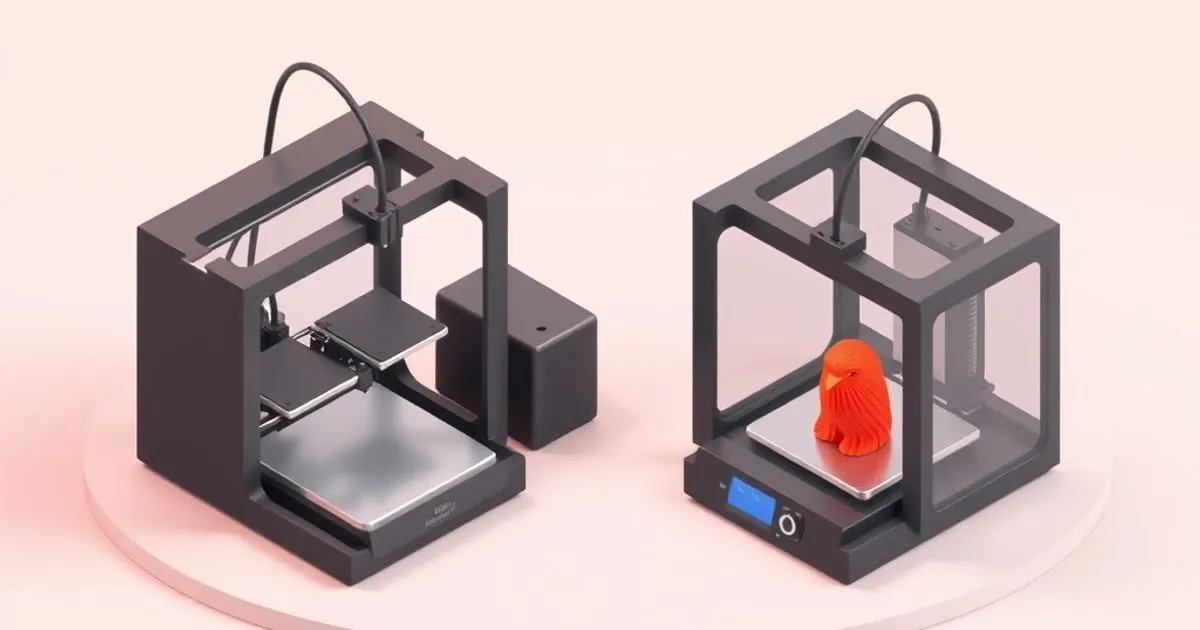
Bambu Lab A1 vs P1S: Which Printer Is Right for Your Bench?
A spec-by-spec breakdown of the Bambu Lab A1 vs P1S — acceleration, enclosure, AMS options, material support, and price.
The bambu lab a1 vs p1s question comes down to one thing faster than most comparison guides admit: do you need an enclosure? Get that answer right and the rest of the decision mostly falls into place. Get it wrong and you either overspend on features you’ll never use or buy a printer that can’t run the filaments your project actually demands.
Specs at a Glance
| Spec | A1 | P1S |
|---|---|---|
| Architecture | Bedslinger (Cartesian, dual-Z) | CoreXY |
| Enclosure | Open frame | Fully enclosed |
| Build volume | 256 × 256 × 256 mm | 256 × 256 × 256 mm |
| Max print speed | 500 mm/s | 500 mm/s |
| Max acceleration | 10,000 mm/s² | 20,000 mm/s² |
| Volumetric flow | ~28 mm³/s | ~32 mm³/s |
| Max nozzle temp | 300°C | 300°C |
| Max bed temp | 100°C | 110°C |
| Multi-material | AMS Lite (4 colors, 1 unit) | Full AMS (up to 4 units, 16 colors) |
| Flow rate sensor | Yes | No |
| Touchscreen | Full-color | Monochrome LCD |
| Price (solo) | ~$375–400 | ~$675–700 |
| Price (combo + AMS) | ~$559 | ~$949 |
Both run Bambu Studio and OrcaSlicer profiles. Both use a textured PEI flex plate with strain-gauge auto-leveling. Neither one requires you to level the bed manually on first boot.
Architecture: Bedslinger vs CoreXY, and Why It Matters Here
The A1 is a bedslinger: the build plate moves along the Y-axis while the toolhead moves in X and Z. The P1S runs CoreXY, where the bed only moves in Z and the toolhead handles X and Y simultaneously. CoreXY is mechanically better for speed — lighter moving mass, shorter belt paths — which is why the P1S can sustain 20,000 mm/s² versus the A1’s 10,000 mm/s².
In practice, for typical PLA prints at 0.2 mm layer height, you won’t see a meaningful wall-time difference between them at real-world quality settings. Both will run a 3DBenchy under 20 minutes with default speed profiles. The acceleration gap matters more at the margins: very tall prints, large flat parts where Y travel dominates, or when you’re deliberately pushing flow rate to the limit.
The A1’s dual-Z gantry (two lead screws, one on each side) keeps the X-axis level under load better than a single-Z design. That’s a genuine engineering choice, not marketing noise.
The Enclosure Is the Real Dividing Line
This is where the A1 and P1S actually diverge in daily use.
The P1S is fully sealed with an activated carbon filter. Chamber temperature stabilizes during a print, which matters for ABS, ASA, PA (nylon), and PC — materials that warp badly when ambient temperature swings hit a partially cooled part. Print ABS on an open A1 and you’re fighting layer delamination, warping, and fume exposure. Print ABS in the P1S and it’s unremarkable.
The A1 is an open-frame machine. PLA, PETG, TPU, and PVA are all no-problem — those materials tolerate ambient room air. But ABS and ASA in an open printer require serious mitigation: enclosure add-ons (not officially supported), draft-free rooms, and a lot of patience. The A1’s max bed temp is 100°C, which works for PLA/PETG but gives you no headroom for PC or PA that want 90–100°C at the bed and a warm chamber simultaneously.
If your list of target materials is “PLA in 12 colors plus the occasional PETG prototype,” the enclosure is irrelevant to you. If anything on your list says ABS, ASA, CF-nylon, or polycarbonate, the A1 is not the right tool.
Multi-Material: AMS vs AMS Lite
Both support Bambu’s color-change ecosystem, but the implementation differs.
The A1 Combo ships with one AMS Lite. That’s 4 filament slots, non-expandable — you cannot chain a second AMS Lite. If 4 colors is your ceiling, that’s fine. The AMS Lite is lighter and the filament path is shorter, which Bambu says reduces purging waste slightly compared to the full AMS.
The P1S Combo ships with one standard AMS unit (4 slots), but you can chain up to 4 units for 16 active materials per print. That’s the configuration you’d use for professional prop work, game-piece printing, or any project where you’re pulling from a large color palette. The full AMS also has a sealed, desiccant-equipped housing that keeps moisture-sensitive filaments in better condition than the AMS Lite.
For users who want more than 4 colors long-term, the P1S is the only path within the Bambu ecosystem.
Print Quality in Practice
On standard PLA at tuned profiles, testers consistently report no perceivable difference in surface finish between the two machines. Both implement pressure advance / linear advance ↗ and input shaping (resonance compensation), which does most of the heavy lifting on corner quality and ghosting/ringing at speed.
The A1’s flow rate sensor is a genuine advantage for stock operation. It auto-calibrates volumetric flow per filament spool, so you’re less likely to hit under-extrusion on a new brand without running a manual flow calibration tower. The P1S doesn’t have this sensor — you rely on the slicer profile being accurate or running your own calibration.
Serviceability
The A1 is easier to work on. The hotend swaps tool-free; the AMS Lite is accessible; the open frame means you can see everything. The P1S requires more disassembly to access the extruder and has a denser internal layout. Neither requires proprietary tools for routine maintenance, but you’ll spend less time on your back with the A1.
Connectivity and Software
Both printers support Wi-Fi, LAN-only mode, and SD card printing. Both are compatible with Bambu Studio and OrcaSlicer’s Bambu device profiles. Cloud-connected features (remote monitoring, push notifications, timelapse via the built-in camera) work identically. The A1’s full-color touchscreen makes navigating print files locally more straightforward than the P1S’s monochrome LCD with physical buttons — a real daily-use difference, not a spec-sheet footnote.
Who Should Buy the A1
- Your material list is PLA, PETG, TPU, PVA — nothing that needs a heated chamber
- Budget is real: the ~$390 difference between combos buys several kilograms of filament
- You want easier serviceability and a better local touchscreen experience
- 4-color multi-material is sufficient for your projects
Who Should Buy the P1S
- You print ABS, ASA, PA, PC, or any reinforced engineering filament
- You need more than 4 active materials per print (chained AMS, 8–16 colors)
- Print throughput at maximum acceleration matters (20,000 vs 10,000 mm/s²)
- You want a sealed, quieter enclosure for a shared workspace
At the combo price points — $559 for the A1, $949 for the P1S — you’re paying an extra $390 for an enclosure, double the acceleration ceiling, a slightly higher volumetric flow rate, and scalable multi-material. For most hobbyists printing PLA, that’s not a compelling exchange. For anyone printing engineering materials or running a small print business with color variety demands, it absolutely is.
Sources
- Bambu Lab A1 Technical Specifications ↗ — Official spec sheet covering build volume, hotend temps, acceleration, and AMS Lite compatibility.
- Bambu Lab A1 vs P1S – Anton Mansson ↗ — Hands-on comparison with real-world benchmarks and touchscreen usability notes.
- Bambu Lab P1S vs A1 – 3DPros ↗ — Side-by-side database comparison including pricing, flow rate, and print quality assessment.
Sources
Related
Bambu Maintenance Schedule: Keep It Printing
A practical maintenance schedule for Bambu Lab printers — what to do weekly, monthly, and by print hours to avoid the failures before they start.
Bambu A1 vs A1 Mini: Which Bed-Slinger Wins?
The A1 and A1 mini share Bambu's bed-slinger DNA but differ in build volume, footprint, and price. Here's how to pick the right one.
Bambu P1P vs P1S: Is the Enclosure Worth It?
The P1P and P1S share the same core. The difference is the enclosure — and whether you can add it later. Here's the honest decision framework.