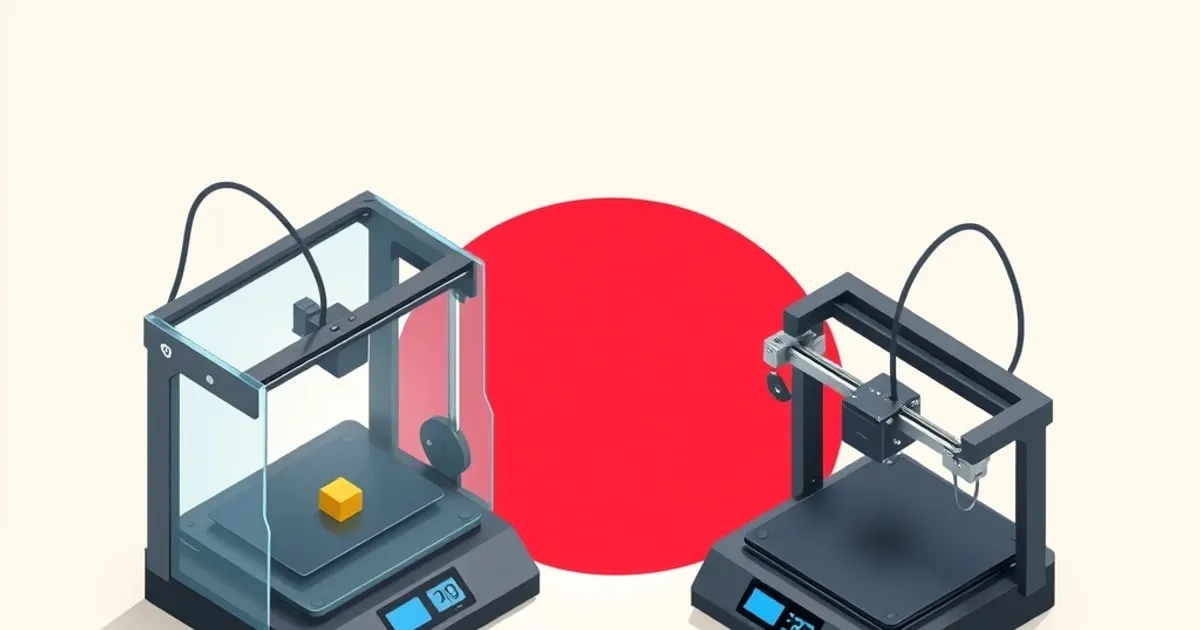
Bambu P1S vs X1 Carbon: Which Should You Buy?
A direct comparison of the Bambu P1S and X1 Carbon — what's actually different, what's the same, and which one makes sense for your use case.
The Bambu P1S and X1 Carbon are the two enclosed, high-performance options in Bambu Lab’s current lineup. They share the same CoreXY motion system and print quality fundamentals. The question is whether the X1C’s additional features justify its clear price premium over the P1S.
I’ve printed on both machines. Here’s the honest comparison.
Spec Comparison
| Feature | P1S | X1 Carbon |
|---|---|---|
| Motion system | CoreXY, 20000mm/s² | CoreXY, 20000mm/s² |
| Max print speed | 500mm/s (rated) | 500mm/s (rated) |
| Build volume | 256×256×256mm | 256×256×256mm |
| Enclosure | Yes (sealed) | Yes (sealed) |
| Chamber | Passive (sealed enclosure) | Passive (sealed enclosure) |
| Micro Lidar | No | Yes |
| Camera | Yes (basic, low frame rate) | Yes (higher rate + AI spaghetti detection) |
| First-layer calibration | Vibration-based | Micro Lidar |
| AMS compatible | Yes | Yes |
| Price (body only) | Lower tier | Top tier (clear premium over P1S) |
What’s the Same
The P1S and X1C share:
- The same CoreXY structure and motion quality
- Compatible AMS system
- Bambu Studio ↗ slicer (identical features for both)
- Hardened steel nozzle compatibility
- PEI plate options
- Over-the-air firmware updates
In practice, print quality at the same settings is essentially identical for PLA, PETG, and ABS. Printing the same calibration model on both machines at the same moderate speed, measured dimensions and surface quality were indistinguishable within normal measurement error.
The Real Differences
Micro Lidar vs. Vibration Calibration
The X1 Carbon uses a Micro Lidar sensor to map the build plate and compensate for surface variation. The P1S uses vibration-based calibration (resonance frequency measurement to set vibration compensation, but no Lidar for first-layer height).
Practical impact: In practice, both machines produce excellent first layers in normal conditions. The Lidar becomes more valuable when you’re printing on surfaces that vary in height across the bed, or when you switch between different plate types frequently. For most users printing on the same surface consistently, the P1S’s calibration is sufficient.
AI Camera vs. Basic Camera
The X1C has a higher-resolution camera with Bambu’s AI failure detection. The P1S has a basic camera for manual remote monitoring but no AI detection.
Practical impact: The AI detection catches obvious spaghetti failures after a delay (not immediately — this is a genuine limitation even on the X1C). Manual monitoring via the P1S camera works, but it requires you to actually check. If you’re running overnight prints unattended, the X1C’s detection provides some additional peace of mind, but it’s not foolproof.
Chamber Behavior
Neither the P1S nor the X1C has an actively heated chamber — both rely on a sealed enclosure that warms passively from the heated bed. (Active chamber heating is a feature of Bambu’s higher H2 line, not these machines.) The X1C’s auxiliary fan is for part cooling and air circulation, not chamber heating.
Practical impact: For ABS and ASA, the passive enclosure on both machines holds enough warmth for most print sizes; large flat parts can still warp on either. Genuinely high-temperature engineering materials (PC, nylon PA) push past what a passively warmed chamber comfortably supports on both — this is not a P1S-vs-X1C differentiator. If you’re not regularly printing engineering materials, chamber temperature isn’t a deciding factor here at all.
Who Should Get the P1S
The P1S is the right choice if:
- Your materials are primarily PLA, PETG, ABS, ASA — the P1S handles all of these excellently
- Budget is a real factor — the savings vs. X1C buys a lot of filament
- You don’t need AI failure detection
- You’re happy to manually verify overnight prints occasionally
The P1S represents excellent value. For the large majority of use cases, it’s the more rational purchase.
Who Should Get the X1 Carbon
The X1C makes sense if:
- Unattended printing is frequent and you want the AI failure-detection layer
- You print across multiple different plate surfaces and want Lidar-assisted first-layer calibration
- You want the higher-rate camera and the polished top-tier experience
- The price premium over the P1S is not a meaningful constraint
My Recommendation
Start with the P1S unless you have a specific reason to pay for X1C features — our full X1 Carbon review details what that premium actually buys. The print quality is identical for common materials, and the AMS works the same way on both. The money saved goes toward the AMS itself (if you don’t have one yet), filament, or upgrades.
Upgrade to the X1C if you find yourself limited by P1S features — particularly the lack of AI failure detection on frequent unattended jobs, or Lidar-assisted calibration if you swap plate surfaces often. But for most makers printing PLA and PETG daily, the P1S is the better value proposition.
If you’re looking lower in the lineup instead, the open-frame decision is covered in P1P vs P1S, and the bed-slinger choice in A1 vs A1 mini. For where Bambu as a whole sits against other brands, see our Bambu vs Prusa vs Creality framework. For context across the broader landscape, FDMDesk’s buyer guide covers all price tiers ↗ including alternatives outside the Bambu ecosystem.
Related
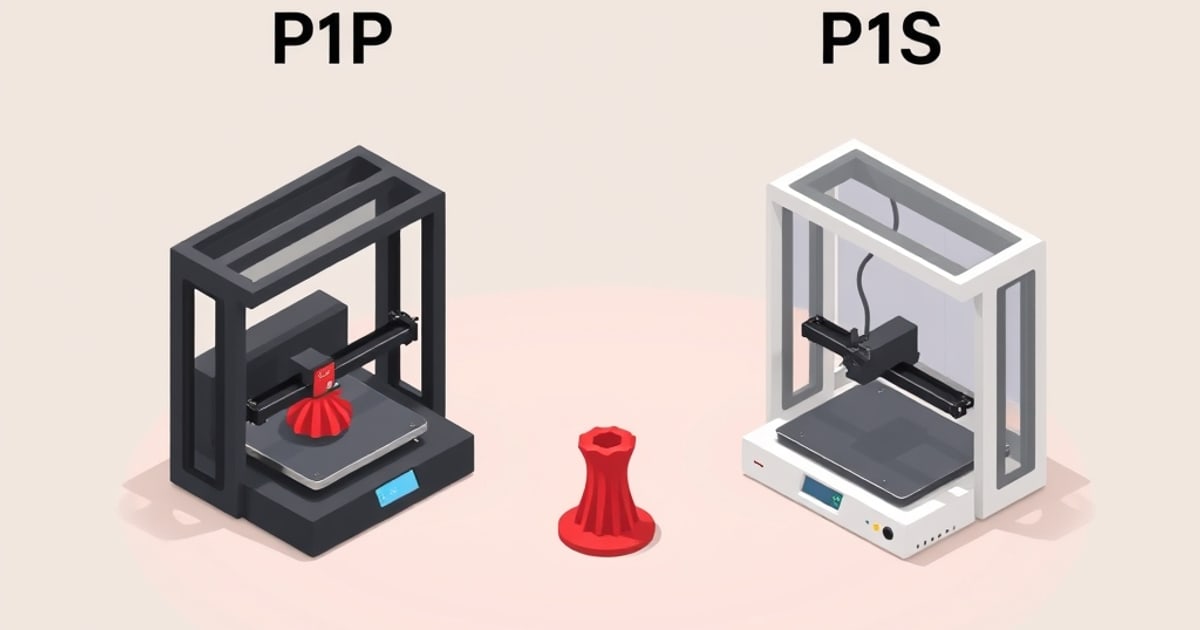
Bambu P1P vs P1S: Is the Enclosure Worth It?
The P1P and P1S share the same core. The difference is the enclosure — and whether you can add it later. Here's the honest decision framework.
Bambu vs Prusa vs Creality: How to Decide
Three philosophies, not just three brands. An honest decision framework for choosing between Bambu Lab, Prusa, and Creality in 2026.
Bambu Maintenance Schedule: Keep It Printing
A practical maintenance schedule for Bambu Lab printers — what to do weekly, monthly, and by print hours to avoid the failures before they start.