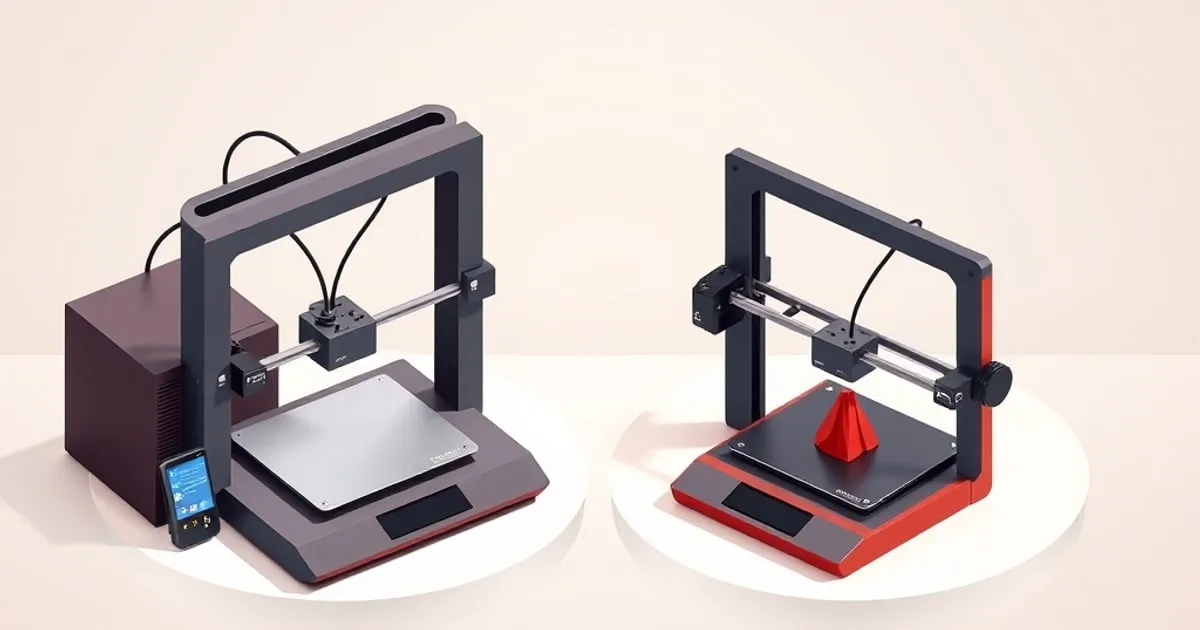
Bambu A1 vs A1 Mini: Which Bed-Slinger Wins?
The A1 and A1 mini share Bambu's bed-slinger DNA but differ in build volume, footprint, and price. Here's how to pick the right one.
Bambu Lab’s A1 series is the company’s open-frame, bed-moving line — the affordable entry into the ecosystem. There are two models: the larger A1 and the compact A1 mini. They share a remarkable amount, which makes the choice almost entirely about build volume, desk space, and budget rather than print quality. Here is the honest breakdown.
What They Share
The A1 and A1 mini are built on the same philosophy and most of the same engineering:
- Both are open-frame bed-slingers (the bed moves in Z; the toolhead moves in X/Y), not enclosed CoreXY machines.
- Both use automatic bed leveling with a multi-point mesh probe, so first-layer setup is hands-off.
- Both run vibration compensation and flow calibration automatically.
- Both support an AMS Lite for up to four-color printing.
- Both run the same Bambu Studio ↗ slicer, mobile app, and firmware.
- Both share the same realistic material range: PLA and PETG excellent, TPU workable on direct drive, ABS/ASA not recommended because neither has an enclosure.
In practice, print quality on PLA at moderate speeds is essentially the same between them. This is the single most important takeaway: you are not trading quality for size.
The Build Volume Gap
The defining difference is build volume. The A1 mini uses a compact 180 × 180 × 180 mm bed; the full A1 steps up to a 256 × 256 × 256 mm volume — the same footprint class as the P1 and X1 machines.
That difference matters more than the raw numbers suggest, because print volume scales with the cube of linear size. The A1’s bed isn’t just “a bit bigger” — it has dramatically more usable area and roughly three times the build volume. In real use:
- A1 mini comfortably handles the majority of consumer prints: brackets, organizers, toys, tabletop miniatures, replacement parts, and most single-piece functional items.
- A1 handles those plus larger single-piece parts — helmet sections, large enclosures, full-size tool organizers, sizeable cosplay pieces — without splitting and gluing.
If you regularly hit “this won’t fit on the plate” you will resent the mini. If you never have, the extra size is just a bigger desk footprint to house.
Footprint and Noise
The A1 mini’s appeal isn’t only price — it’s that it physically fits where a larger machine won’t: a bookshelf, a small desk, a dorm room. The full A1 needs meaningfully more bench space and, like all bed-slingers, throws mass back and forth on the Y axis, so a sturdy surface matters more for the larger machine to avoid resonance ghosting at speed.
Both are reasonably quiet for FDM printers in their default quiet modes, but a heavier moving bed on the A1 means desk choice has more impact on print quality at high speed. The mini is more forgiving of a flimsy table.
Speed and Throughput Are Effectively Equal
A common assumption is that the larger A1 must be slower because it moves a bigger, heavier bed. In practice, for the prints most people run, throughput is close enough not to be a deciding factor. Both machines carry Bambu’s high speed rating and the same vibration compensation, and both are realistically run well below their headline speed when you want clean output. The larger A1’s heavier bed makes a stable surface matter more at aggressive speeds — on a flimsy table you’ll see resonance ghosting sooner — but on a solid bench the quality-vs-speed curve is similar.
Where the A1 can actually finish a job faster is the case it’s built for: a large part that fits on its plate in one piece versus the same part split into sections, printed separately, and glued on the mini. Splitting adds setup, post-processing, and weak seams. So if your work trends large, the full A1 is not just bigger — it’s often the faster path to a finished part. If your work is small, the mini’s smaller moving mass is marginally more forgiving and the speed difference is academic.
Don’t let an imagined speed gap drive this decision. Build volume and footprint are the real axes.
Price and the AMS Lite Math
The A1 mini is Bambu’s cheapest entry point; the full A1 sits a clear step above it, and both have an AMS Lite combo option that adds four-color capability for a further increment. The decision usually comes down to two questions:
- Do you need the build volume? If yes, the A1 — there is no substitute for plate size, and splitting large prints is tedious and weakens parts at the seams.
- Is multicolor a priority? The AMS Lite works the same on both. If multicolor matters more than size, an A1 mini + AMS Lite combo can be the better-value path than a bare A1.
Which One Should You Buy?
Buy the A1 mini if:
- Your prints are mostly small-to-medium (most hobby, household, and educational use).
- Desk space or portability is a real constraint.
- You want the lowest-cost route into Bambu’s ecosystem, with or without multicolor.
Buy the A1 if:
- You regularly print large single-piece parts and don’t want to split them.
- You want bed-slinger affordability but X1/P1-class build volume.
- Desk space is not a limiting factor.
Where the A1 Series Fits Overall
Both A1 machines are open-frame, so neither replaces an enclosed printer for ABS/ASA. If engineering materials matter, step up to the P1 line — see our P1P vs P1S comparison for that decision, and the A1 mini review for a deeper look at what the entry tier delivers day to day. For multicolor on either A1, the workflow is identical to the larger machines; our AMS multicolor guide covers it.
The Bottom Line
These are the same printer at two scales. Choose by build volume and desk space, not by an imagined quality difference — there isn’t one for PLA and PETG. The A1 mini is the best small-format value Bambu makes; the A1 is the right call when plate size is the constraint. Still unsure where these two sit against the rest of the range, run the interactive Bambu picker to get a ranked recommendation tuned to your build volume, materials, and budget. For where both land against other brands, see our Bambu vs Prusa vs Creality breakdown, and FDM Desk for cross-brand entry-tier context ↗.
Related
Bambu Lab A1 mini Review: The Best Entry-Level Printer Now
The Bambu A1 mini delivers auto-calibrated, fast bed-slinger printing at the entry price point. Here's what you actually get, what you give up, and
Bambu vs Prusa vs Creality: How to Decide
Three philosophies, not just three brands. An honest decision framework for choosing between Bambu Lab, Prusa, and Creality in 2026.
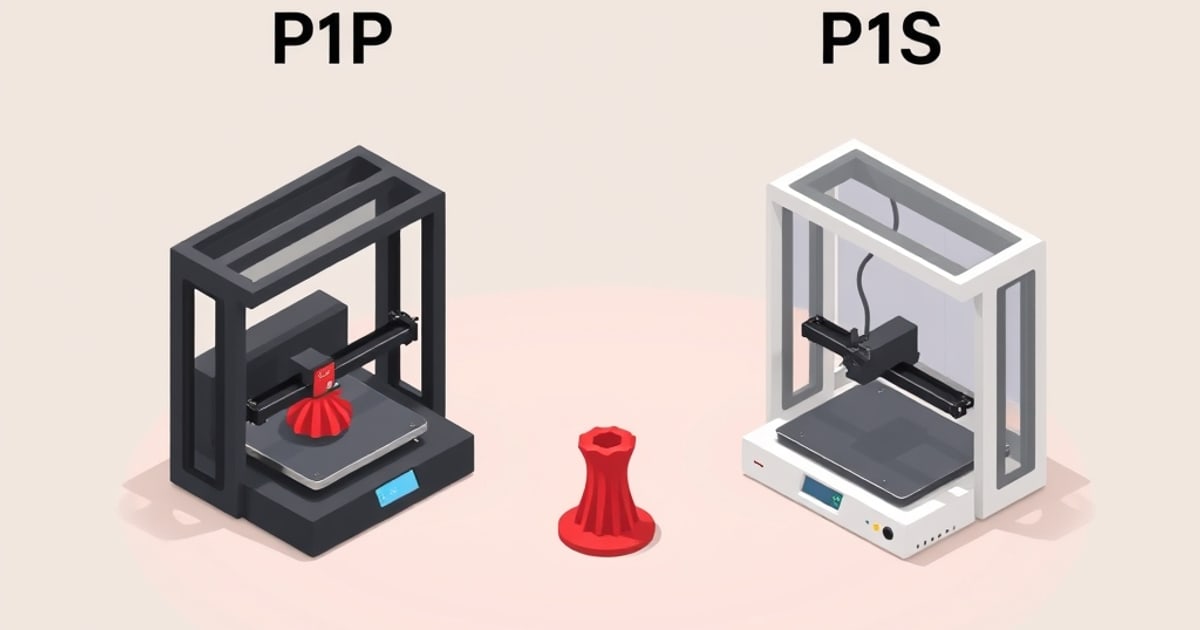
Bambu P1P vs P1S: Is the Enclosure Worth It?
The P1P and P1S share the same core. The difference is the enclosure — and whether you can add it later. Here's the honest decision framework.