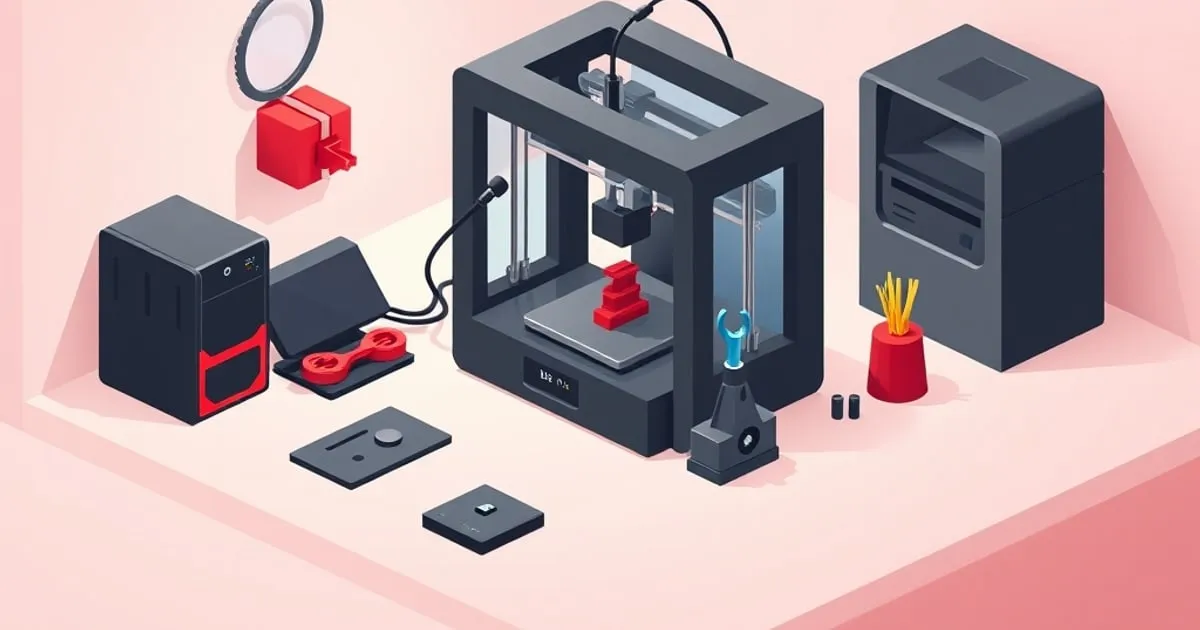
Bambu Maintenance Schedule: Keep It Printing
A practical maintenance schedule for Bambu Lab printers — what to do weekly, monthly, and by print hours to avoid the failures before they start.
Bambu Lab printers are reliable, which has a downside: they run so well that people stop maintaining them until something fails mid-print. Most “sudden” Bambu failures are not sudden — they are deferred maintenance arriving on schedule. This is a practical, hours-based maintenance plan that prevents the common failures before they cost you a print.
Bambu publishes official maintenance guidance in the printer’s built-in wiki and the Bambu Studio device panel; treat this as a field companion to that, organized by how often each task actually matters.
The Principle: Maintain by Hours, Not Calendar
A printer that runs 40 hours a week needs attention far sooner than one that runs four. Where possible, think in print hours, not weeks. The intervals below are reasonable defaults for a moderately used machine; scale them up if you print heavily and down if the printer mostly sits.
Every Few Prints (Quick, High-Value)
These take seconds and prevent the most common failures:
- Clean the build plate. Skin oils kill adhesion. Wash textured PEI with soap and water periodically; wipe smooth PEI with 90 %+ isopropyl alcohol between prints. Handle plates by the edges only. This single habit prevents the largest category of first-layer failures — see first-layer & calibration for why.
- Glance at the nozzle tip. A small bead of accumulated plastic on the nozzle tip causes blobs and can knock prints loose. Wipe it (cold) before long jobs.
- Confirm filament condition. If a spool has been open in humid air, dry it before a long or multicolor run rather than discovering the moisture mid-print.
Weekly-ish (Moderate Use)
- Inspect the build plate surface. Look for scratches, gouges, or worn patches in the PEI. A damaged plate causes localized adhesion failure that no calibration fixes — plates are consumables.
- Check for debris in the chamber. Purge “poop”, stray skirt/brim bits, and small failed-print fragments can get dragged into a print or under the bed. Clear them.
- Look at the AMS feed path. If you run the AMS, glance at the PTFE tubes and spool winding. Loose outer wraps and kinked tubes are the leading causes of AMS jams — our AMS troubleshooting guide covers the details.
Monthly / Every ~100–200 Print Hours
This is the tier most people skip, and it’s where the real preventive value is.
Lubricate the motion system
The linear rails and lead screw need light, appropriate lubrication. Bambu specifies which lubricants go where — the rails and the Z lead screw use different products, and using the wrong one (especially over-oiling rails) attracts grit and makes things worse. Follow the official guidance for product and quantity; the failure mode of neglect is gradually worsening surface finish and, eventually, layer shifts or grinding noises.
Check belt tension and condition
CoreXY belts gradually lose tension and accumulate wear. Symptoms of a slack or worn belt: dimensional inaccuracy, layer shifting, or ringing that vibration compensation no longer fully hides. Inspect for fraying and confirm tension is in the expected range per Bambu’s procedure. Don’t over-tighten — excessive tension stresses bearings and motors.
Clean the toolhead area and fans
Dust and stray filament collect around the hotend and fans. Blocked part-cooling or hotend cooling airflow causes overhang failures and, worst case, heat creep and jams. Clear dust from fan intakes; verify fans spin freely.
Inspect the nozzle for wear
Abrasive filaments (carbon-fiber and glow-in-the-dark especially) wear standard brass nozzles quickly. A worn nozzle prints visibly worse — rough surfaces, inconsistent extrusion, sometimes a widened orifice. If you print abrasives, use a hardened nozzle and treat even that as a consumable.
Periodic / As-Indicated
- Replace PTFE tubes. The PTFE in the AMS path and Bowen sections are consumables. Replace when you see kinking, crushing at bends, discoloration at the hot end, or rising jam frequency after everything else checks out.
- Re-run calibration after hardware changes. After a nozzle swap, belt adjustment, or plate change, re-run flow and (if needed) pressure-advance calibration for affected filaments. Bambu’s vibration compensation re-calibrates automatically, but per-filament values do not.
- Firmware updates. Apply Bambu’s firmware updates — many address real reliability and error-handling improvements. Read the release notes; on rare occasions a behavior changes, so update deliberately, not blindly mid-project.
- Door, panel, and seal check (enclosed machines). On the X1/P1, confirm the door seals and panels are intact. Lost chamber heat from a poor seal causes ABS/ASA warping that looks like a settings problem.
A Simple Logging Habit
The single most useful “tool” here is a print-hours log. Bambu Studio and the printer track total runtime; jot the hours at each maintenance pass. It turns “I think I lubricated it a while ago” into a decision you can actually make, and it makes intermittent problems far easier to diagnose because you can correlate them with what changed.
When Maintenance Doesn’t Fix It
If you have followed the schedule and a problem persists, it has crossed from maintenance into diagnosis. At that point, work the symptom systematically rather than replacing parts at random — our guide to common print failures and fixes walks through the major failure signatures and their actual causes, and first-layer & calibration covers adhesion specifically.
Maintained on this cadence, a Bambu machine stays in the “two failures in a hundred hours” reliability bracket that makes it worth owning. Skip the monthly tier and it slowly slides out of it. For deeper material-specific tuning that interacts with maintenance, see the filament settings guide, and SlicerGuide for slicer-side detail ↗.
Related
Bambu P1S vs X1 Carbon: Which Should You Buy?
A direct comparison of the Bambu P1S and X1 Carbon — what's actually different, what's the same, and which one makes sense for your use case.
Bambu Nozzle Sizes and Materials: When to Swap and Why
Pick the right Bambu nozzle the first time. How 0.2/0.4/0.6/0.8 sizes change print time and detail, and when brass, hardened steel, or tungsten earn the swap.
Bambu Upgrades and Mods Actually Worth Doing
Most Bambu printers don't need mods. These are the few upgrades that genuinely earn their place — and the ones that are a waste of time.