Bambu Upgrades and Mods Actually Worth Doing
Most Bambu printers don't need mods. These are the few upgrades that genuinely earn their place — and the ones that are a waste of time.
Bambu Lab printers are unusual in the FDM world: they work very well out of the box, so the modding culture that surrounds budget open-frame printers mostly doesn’t apply. Many “must-do mods” you’ll see online are solving problems Bambu already solved. That said, a small number of upgrades genuinely earn their place. Here is the honest split — what’s worth doing, what’s situational, and what’s a waste of time.
Tier 1: Worth Doing for Almost Everyone
A filament dryer
This is the single highest-value “upgrade” for most owners, and it isn’t even a printer mod. Moisture is the root cause of a disproportionate share of failures — stringing, popping, weak layers, AMS feed problems. PETG, TPU, and nylon are hygroscopic, and even PLA degrades after long humid exposure. An active dryer (or printing directly from a heated dry box) removes a whole category of problems. If you only do one thing on this list, do this. See the filament settings guide for drying temperatures per material.
Spare nozzles (and a hardened one if you print abrasives)
Nozzles are consumables, and a worn or partially clogged nozzle degrades quality in ways that look like calibration faults. Keeping spares means a clog or a wear problem is a five-minute swap instead of a stalled project. If you print carbon-fiber, glow-in-the-dark, or other abrasive filaments at all, a hardened nozzle isn’t optional — standard brass wears out fast on abrasives.
Extra build plates
A second (or material-specific) plate pays for itself in convenience and uptime: you can pull a finished print and start the next job immediately while the first plate cools, and you avoid the “PETG chipped my smooth PEI” problem by dedicating the right surface to the right material. Plates are also wear items — having a spare means a scratched plate doesn’t halt production.
Tier 2: Situational — Do It If It Fits Your Use
Enclosure for the open-frame machines
For the P1P and the A1 line, an enclosure is the difference between PLA/PETG-only and reliable ABS/ASA. The P1P has an official enclosure kit and a strong ecosystem of printed solutions; the A1 series is open by design. This is worth it only if you actually need engineering materials — otherwise it’s complexity for no benefit. If you know ABS is in your future, it’s often cleaner to just buy an enclosed machine; see our P1P vs P1S breakdown for that exact tradeoff.
AMS for multicolor / multi-material
The AMS is less a “mod” than a major capability add. If multicolor or unattended material switching matters to you, it’s transformative; if you print single-color functional parts, it adds cost and purge waste you don’t need. Decide based on what you actually print, not on the demo videos. Our AMS multicolor guide covers what it does and doesn’t do well.
Aftermarket bed-plate textures and adhesion surfaces
Specialty PEI textures and coated plates can give nicer bottom finishes or better release for specific materials. Genuinely useful for production work in one material; unnecessary for general hobby use where the stock textured PEI is excellent. Buy for a specific finish requirement, not on spec.
Third-party printed accessories
The community has good printable add-ons: better cable management, tool holders, debris trays, spool-management aids. These are cheap (you print them yourself) and low-risk. The useful ones reduce a real annoyance; ignore the cosmetic ones unless you want them.
Tier 3: Mostly a Waste of Time on Bambu
These are popular in the wider FDM world but solve problems Bambu already handles:
- Manual bed-leveling hardware / aftermarket probes. Bambu’s auto-leveling is reliable; first-layer issues are almost always plate cleanliness or Z-offset, not leveling. See first-layer & calibration — adding manual leveling hardware fixes a non-problem.
- Input-shaping / resonance “mods.” The machines self-calibrate vibration compensation with an onboard accelerometer. There is nothing meaningful to add here; ringing, when it appears, is speed or a mechanical issue, not missing tuning.
- Aggressive firmware replacement for its own sake. Unlike budget printers where custom firmware unlocks real capability, Bambu’s stock firmware is competent and updated. Replacing it generally trades working features for marginal gains and new headaches.
- “Performance” hotend swaps chasing headline speed. Real print speed is capped by how fast plastic can melt (volumetric flow) and by quality tolerance, not by the machine’s stated max travel speed. Most speed mods don’t deliver usable quality at the speeds they promise.
How to Think About Bambu Mods
The mental model that keeps you from wasting money: Bambu’s value proposition is that it works without modding. Every mod should answer a real problem you are actually having, not a hypothetical one. The Tier 1 items above (dryer, spare nozzles, spare plates) are about uptime and consistency and pay off for nearly everyone. The Tier 2 items are real capability adds for specific needs. Tier 3 is the wider FDM community’s reflexes applied to a machine that doesn’t need them.
If a print is failing, the answer is almost never a mod — it’s the maintenance schedule or working the common failure signatures. Upgrade to add capability or remove a recurring annoyance, not to fix something a clean plate and dry filament would have fixed.
Some links in this article are affiliate links; relationships never affect what we recommend — see our disclosure. For slicer-side ways to get more out of the stock hardware before buying anything, SlicerGuide covers Bambu Studio in depth ↗.
Related
Bambu Nozzle Sizes and Materials: When to Swap and Why
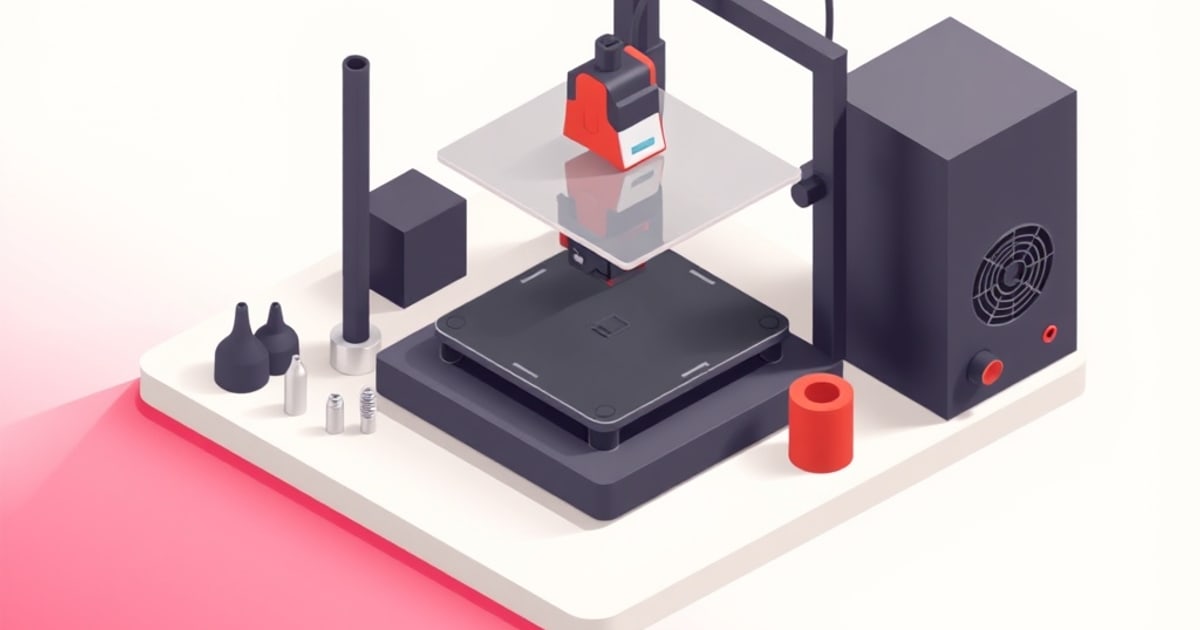
Pick the right Bambu nozzle the first time. How 0.2/0.4/0.6/0.8 sizes change print time and detail, and when brass, hardened steel, or tungsten earn the swap.
Bambu Common Print Failures and How to Fix Them
The failure signatures every Bambu owner eventually sees — warping, stringing, layer shifts, clogs, poor adhesion — and the real cause behind each.
Bambu Maintenance Schedule: Keep It Printing
A practical maintenance schedule for Bambu Lab printers — what to do weekly, monthly, and by print hours to avoid the failures before they start.