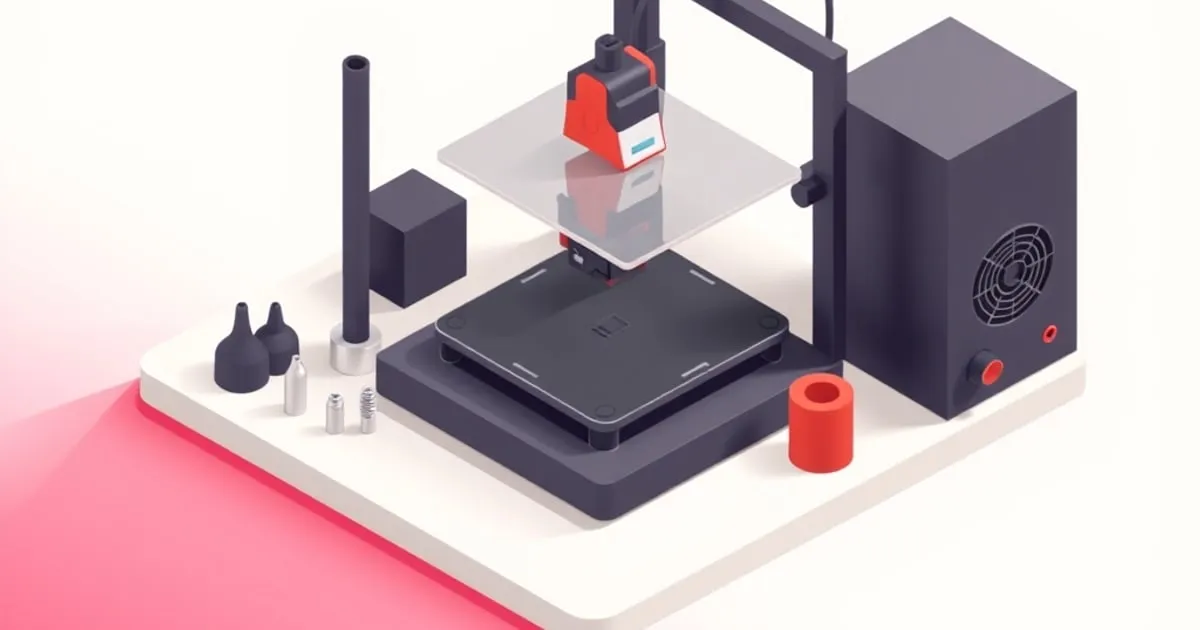
Bambu Nozzle Sizes and Materials: When to Swap and Why
Pick the right Bambu nozzle the first time. How 0.2/0.4/0.6/0.8 sizes change print time and detail, and when brass, hardened steel, or tungsten earn the swap.
A nozzle swap is one of the few hardware changes on a Bambu Lab printer that pays off immediately and obviously. The catch is that there are two independent variables — diameter and material — and most owners only think about one of them. Picking both correctly the first time saves a lot of wasted filament, scrapped parts, and slow prints.
This guide covers what each nozzle size actually does to your prints, when brass is fine and when it absolutely isn’t, and the practical tradeoffs of hardened steel and tungsten carbide on the X1 Carbon, P1 series, and the A1 line.
Why Nozzle Diameter Matters More Than People Think
The stock 0.4 mm nozzle that ships on every Bambu printer is a sensible default, but it is a default — not the best choice for every job. Diameter changes three things at once:
- Minimum feature size. A nozzle can reliably reproduce features roughly equal to its diameter and no smaller. A 0.4 nozzle won’t faithfully render a 0.2 mm wall.
- Layer height range. As a rule of thumb, usable layer height is about 25 to 75 percent of nozzle diameter. A 0.4 nozzle’s sweet spot is roughly 0.10 to 0.28 mm; a 0.8 nozzle can comfortably push 0.4 to 0.6 mm layers.
- Volumetric flow ceiling. Throughput is limited by how fast melted plastic can leave the nozzle. A wider hole moves more plastic per second, so larger nozzles let you print faster without the printer’s headline speed being the bottleneck.
That last point is the one most people miss: on a high-speed machine like the X1 Carbon, the limiting factor for a big functional print is almost always volumetric flow at the hotend, not the printer’s travel speed. A 0.6 or 0.8 nozzle is often the difference between an overnight job and an afternoon one.
Picking the Right Diameter
0.2 mm — Detail Work Only
The 0.2 nozzle exists for miniatures, jewelry, and parts with sub-millimeter detail. It is dramatically slower than the stock 0.4 and far more prone to clogging because the orifice is so small. Filament cleanliness and dryness matter more here than on any other size; a single piece of grit will block it.
Use it when detail genuinely requires it. Do not use it as a default “for nicer prints” — a well-tuned 0.4 print is visually almost indistinguishable on most models and prints in a fraction of the time.
0.4 mm — The Right Default
The 0.4 nozzle is the right answer for the overwhelming majority of prints: functional parts, brackets, organizers, replacement components, decorative models, and most figurines. It balances detail against throughput well enough that it remains the stock size for a reason. If you only ever own one nozzle size, this is it.
0.6 mm — The Underused Sweet Spot
The 0.6 is the upgrade most Bambu owners would benefit from but don’t bother with. It cuts print time significantly on bigger functional parts — often 30 to 50 percent off a 0.4 print of the same model — while still being capable of clean external walls and acceptable detail down to about 0.6 mm features. For jigs, fixtures, brackets, enclosures, and any “print this thing big and solid” job, a 0.6 nozzle is the clear winner.
It is also more forgiving than the 0.4: less clog-prone, more tolerant of slightly damp filament, and easier to push high-flow material through. If you mainly print functional parts, consider running 0.6 as your default and keeping a 0.4 around for the detailed work.
0.8 mm — Bulk and Big Parts
The 0.8 is purpose-built for fast bulk printing: large vases, planters, helmet shells, cosplay pieces, enclosures, and anything where surface detail under a millimeter doesn’t matter. Layer lines are visible and pronounced, and small features simply won’t render. In exchange, you can print very large parts overnight that would take days on a 0.4. For owners who run a lot of cosplay or large-format functional work, an 0.8 is genuinely transformative; for everyone else it’s a niche tool.
Nozzle Material: When Brass Stops Being Enough
Bambu’s stock nozzles are either brass or, on more recent models, a steel-tipped hybrid depending on the hotend. Regardless of stock spec, the rule is the same: brass is excellent for non-abrasive filaments and effectively destroyed by abrasive ones.
What counts as “abrasive”
Any filament with hard particulate fillers wears soft nozzle metals. The common categories:
- Carbon-fiber-reinforced PLA-CF, PETG-CF, PA-CF, PAHT-CF — all aggressively abrasive.
- Glass-fiber-reinforced PETG-GF, PA-GF — abrasive, sometimes worse than CF.
- Glow-in-the-dark PLA — the phosphorescent particles are very hard; this catches people out because it doesn’t feel like an engineering material.
- Metal-filled or wood-filled PLA — mildly to strongly abrasive depending on filler load.
- Some specialty PLAs — silk, marble, and certain “matte” formulations include fillers worth checking the spec sheet on.
How fast does brass actually wear? Independent wear testing of brass nozzles against carbon-fiber-filled materials shows visible bore enlargement within a single 1 kg spool, with the orifice noticeably out of round well before the spool is finished. (E3D nozzle-wear testing ↗.) The print symptoms are gradual: line widths drift, walls thin, dimensional accuracy slips, and at some point under-extrusion artifacts appear. People often blame slicer tuning when the real cause is a worn nozzle.
Hardened steel — the right answer for most abrasive work
A hardened steel nozzle is the practical upgrade for anyone touching CF, GF, glow PLA, or metal-filled materials. It costs more than brass, conducts heat slightly less efficiently (so you may run 5 to 10 °C hotter), and the higher mass takes a fraction longer to reach setpoint — none of which matters in real use. In return it handles the abrasive lineup for far longer than brass would.
Bambu’s own hotend documentation ↗ lists the official material compatibility per hotend and explicitly steers abrasive materials onto the hardened or tungsten options. Follow it. (Bambu Lab nozzle guidance ↗.)
Tungsten carbide — for heavy abrasive production
The tungsten carbide tip nozzle Bambu offers (and similar third-party equivalents) is the longest-life option. It is the right pick if abrasive printing is your main workload — for example, an X1 Carbon used primarily for PA-CF functional parts. For occasional abrasive printing, hardened steel is the more sensible spend.
Stainless steel
Stainless is sometimes marketed as a “food-safe” upgrade, but its wear resistance against abrasive filaments is only marginally better than brass. Don’t buy stainless expecting it to solve a CF wear problem; that’s what hardened steel is for.
The Practical Setup for Most Owners
For an X1 Carbon or P1 series owner doing mixed work, the realistic nozzle inventory is:
- One 0.4 mm brass — the daily driver for PLA, PETG, TPU, and other non-abrasive work.
- One 0.4 mm hardened steel — kept aside for any time abrasive material is loaded.
- One 0.6 mm in your choice of material — for bulk functional prints.
Add a 0.2 only if you genuinely print miniatures, and an 0.8 only if you genuinely print large cosplay or vase-mode work. For an A1 or A1 mini owner the same logic applies on the smaller hotend ecosystem, with the same brass-versus-hardened decision driven by what you load.
Swapping Nozzles Without Drama
The X1 Carbon, P1, and A1 series each use different hotend assemblies, and the swap procedures differ — always work from the official Bambu hotend replacement documentation ↗ for your specific machine rather than improvising. Two universal rules:
- Always swap at temperature. Cold-tightening or cold-loosening a nozzle damages the threads and risks leaks; bring the hotend up to printing temperature first, then loosen.
- Recalibrate after the swap. Run flow calibration and let the printer redo its automatic Z and bed mesh. A different nozzle has different thermal mass and slightly different geometry; trusting the previous calibration is how you get first-layer disasters.
If you see odd quality after a swap, work the common print failures guide and the first-layer calibration walkthrough before suspecting the nozzle itself. New nozzles are almost never the cause; un-tuned new nozzles often are.
The Bottom Line
Two simple rules cover most of this: match nozzle diameter to the job, not to habit, and never run abrasive filament through brass. Owners who keep a 0.4 brass, a 0.4 hardened, and a 0.6 of either material can handle almost any print Bambu hardware is capable of without ever feeling nozzle-limited. For the broader question of which printer in the lineup is the right home for those nozzles, see the P1S vs X1 Carbon comparison and the upgrades-and-mods overview for where nozzles sit in the wider upgrade picture.
Some links in this article are affiliate links; relationships never affect what we recommend — see our disclosure.
Sources
Related
Bambu Upgrades and Mods Actually Worth Doing
Most Bambu printers don't need mods. These are the few upgrades that genuinely earn their place — and the ones that are a waste of time.

Bambu Common Print Failures and How to Fix Them
The failure signatures every Bambu owner eventually sees — warping, stringing, layer shifts, clogs, poor adhesion — and the real cause behind each.
Bambu Maintenance Schedule: Keep It Printing
A practical maintenance schedule for Bambu Lab printers — what to do weekly, monthly, and by print hours to avoid the failures before they start.